Crmgo Blog

Ubuntu 13.04

← Blog / Linux

Ubuntu 13.04

Posts: 7

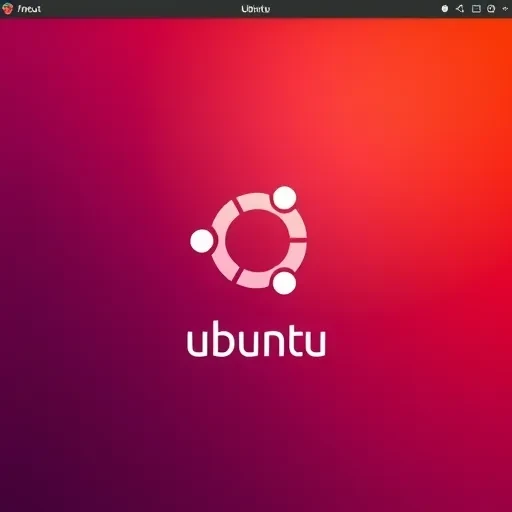
Changing the Ubuntu boot splash screen

Changing the Ubuntu boot splash screen

· Ubuntu 12.04 · Ubuntu 13.04

sudo apt-get install plymouth-theme-solar sudo update-alternatives --config default.plymouth The screen will display a list of installed themes. Select the desired one (enter its number). Then in the terminal, type: sudo update-initramfs -u sudo reboot
Opera Ubuntu 13.04

Opera Ubuntu 13.04

· Ubuntu 13.04

sudo sh -c 'wget -O - http://deb.opera.com/archive.key | apt-key add -' sudo sh -c 'echo "deb http://deb.opera.com/opera/ stable non-free" >> /etc/apt/sources.list.d/opera.list' sudo apt-get update sudo apt-get install opera

Skype Ubuntu 13.04

Skype Ubuntu 13.04

· Ubuntu 13.04

sudo add-apt-repository "deb http://archive.canonical.com/ $(lsb_release -sc) partner" sudo apt-get update sudo apt-get install skype && sudo apt-get -f install

remastersys ubuntu 13.04

remastersys ubuntu 13.04

· Linux · Ubuntu 13.04 · remastersys

http://www.remastersys.com/ubuntu/pool/main/r/remastersys/remastersys_3.0.4-2_all.deb and it works on 13.04, but first you need to install the required components: sudo apt-get install squashfs-tools casper libdebian-installer4 ubiquity-frontend-debconf user-setup discover xresprobe, and then install the downloaded file: sudo dpkg -i remastersys_3.0.4-2_all.deb However, there are no new files for the GUI (interface) yet...