



 Blog
Blog
Ubuntu
Заметки по Ubuntu Linux
Posts: 10

Ubuntu Flash Player Installation
sudo apt-get install flashplugin-installer

Install Chrome on Ubuntu

Network Installation of Ubuntu
Setting up the server for installation First, you will need a computer running Ubuntu or another Linux distribution (this guide is written for Ubuntu) from which you will install the system (the network boot server), as well as the ISO image of the Alternate disk with the required version of Ubuntu...
Installing WPS Office on Ubuntu 12.04
sudo apt-get install ia32-libs # for 64-bit wget http://wdl.cache.ijinshan.com/wps/download/Linux/unstable/wps-office_8.1.0.3724~b1p2_i386.deb sudo dpkg -i wps-office_8.1.0.3724~b1p2_i386.deb Remove the Chinese: cd /opt/kingsoft/wps-office/office6/2052 sudo rm qt.qm wps.qm wpp.qm et.qm
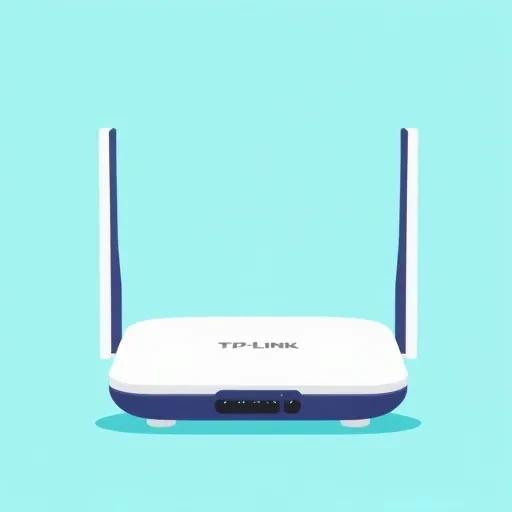
TP-Link MA180
sudo apt-get install libusb-dev $ libusb-config –version (version 0.1.12 is required) if it is not, execute the following 2 commands. $ sudo apt-get remove usb-modeswitch $ sudo apt-get install libudev0 libudev-dev cd ~ wget http://www.draisberghof.de/usb_modeswitch/usb-modeswitch-1.2.5.tar.bz2 wget http://www.draisberghof.de/usb_modeswitch/usb-modeswitch-data-20121109.tar.bz2 $ sudo apt-get install…
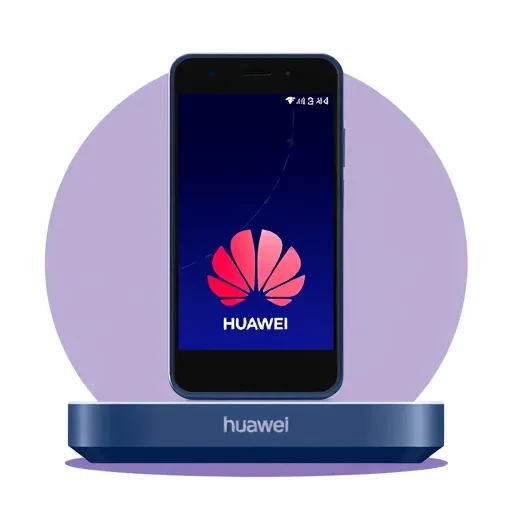
Huawei E1550
sudo apt-get install usb-modeswitch Now we just need to add a rule for switching our modem's mode. In the terminal, run the following command: echo 'SUBSYSTEM=="usb", SYSFS{idProduct}=="1446", SYSFS{idVendor}=="12d1", RUN+="/lib/udev/modem-modeswitch --vendor 0x12d1 --product 0x1446 --type option-zerocd"' | sudo tee /etc/udev/rules.d/45-huawei1550.rules Now disconnect and reconnect the modem…

Huawei E352
After purchasing the Huawei E352 USB modem, I had to think hard to get it working in Ubuntu. Some modern modems come with a virtual drive containing drivers and other "useful" utilities. When connected to a computer, the system recognizes the virtual drive but fails to detect the modem itself.
OpenOffice update
sudo add-apt-repository ppa:libreoffice/ppa sudo apt-get install libreoffice-gnome sudo apt-get install libreoffice-writer libreoffice-calc libreoffice-l10n-ru libreoffice-style-tango sudo aptitude -t squeeze-backports install libreoffice
Installing *.deb and adding to autostart from the command line
For Dima: for example, our file is /tmp/ProvideSupportConsole-debian_5.4.4_amd64.deb. Installation from the terminal: sudo dpkg -i /tmp/ProvideSupportConsole-debian_5.4.4_amd64.deb and adding to autostart: sudo sed '3a\ ProvideSupportConsole' /etc/rc.local > /tmp/rc.local sudo mv /etc/rc.local /etc/rc.local.old sudo mv /tmp/rc.local /etc/rc.local All of this goes into...