


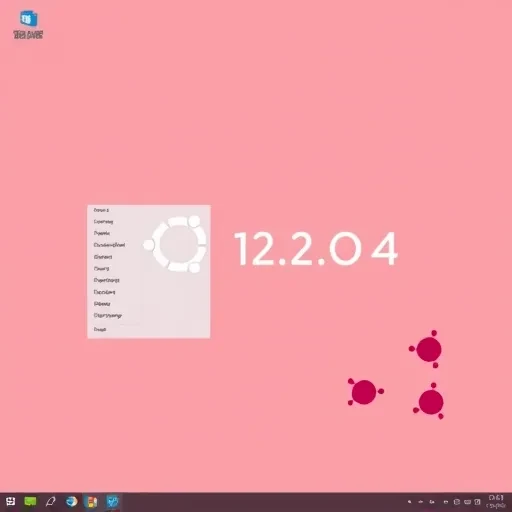
Open the terminal under Ubuntu 12.10/12.04/11.10 and install the theme and icons of Windows 7 with these commands:
sudo add-apt-repository ppa:upubuntu-com/gtk3
sudo apt-get update
sudo apt-get install win2-7
To enable the Windows 7 theme and icons, run the following commands:
gsettings set org.gnome.desktop.interface gtk-theme 'Win2-7-theme'
gconftool-2 --set --type string /apps/metacity/general/theme 'Win2-7-theme'
gsettings set org.gnome.desktop.interface icon-theme 'Win2-7-icons'
If you want to move the align window buttons (minimize, close, and maximize) to the right top of the window, you can simply run this command:
gconftool-2 --set /apps/metacity/general/button_layout \
--type string "menu:minimize,maximize,close"