Crmgo Blog

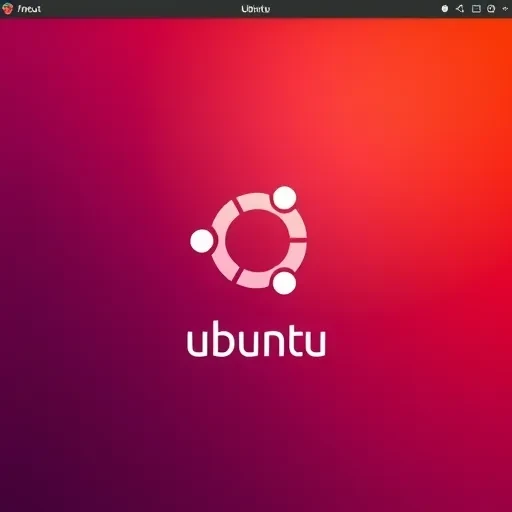
Changing the Ubuntu boot splash screen

Changing the Ubuntu boot splash screen

sudo apt-get install plymouth-theme-solar sudo update-alternatives --config default.plymouth The screen will display a list of installed themes. Select the desired one (enter its number). Then in the terminal, type: sudo update-initramfs -u sudo reboot

Changing the Ubuntu boot splash screen

sudo apt-get install plymouth-theme-solar
sudo update-alternatives --config default.plymouth
The terminal will display a list of installed themes. Select the desired one (enter its number).
Then, in the terminal, type:
sudo update-initramfs -u

sudo reboot

Note: This post may be AI-assisted and then human-edited. Editorial responsibility: Dmytro Lomaka, Kaltenkirchen.